

Undo
- Undo: press Command + Z, or the curved arrow in the top bar.
- Redo (undo the undo): press Shift + Command + Z.
Saving
Cutaway saves your work for you as you go. You don’t need to press Save. (If you like, Command + S saves right now.) Your projects are listed on the Projects screen. Click one to open it.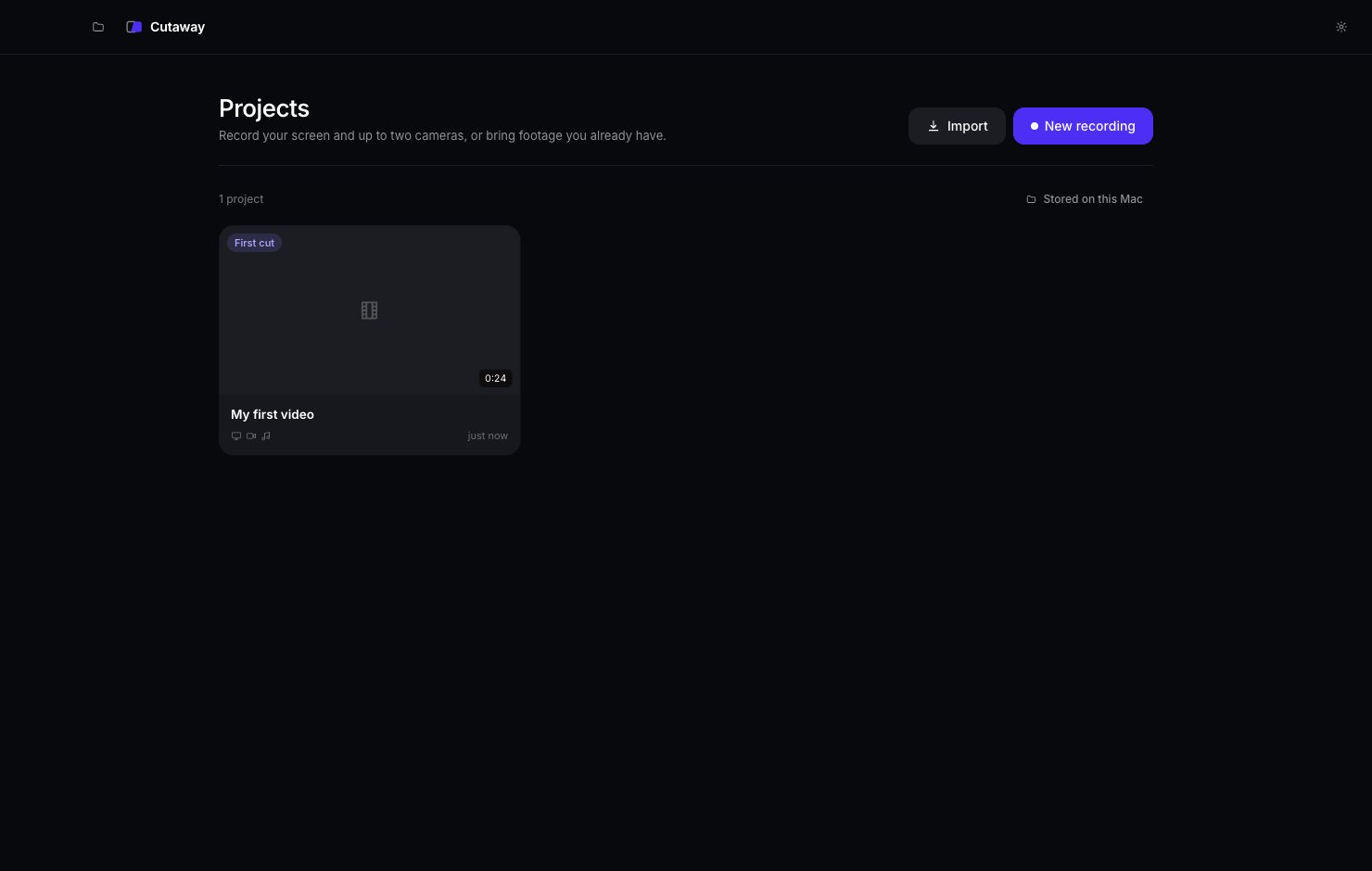
Versions
Cutaway keeps versions of your video, like snapshots. For example, before and after the first cut. You can look at an old version and bring it back. Click the History icon (the clock) at the bottom of the right sidebar.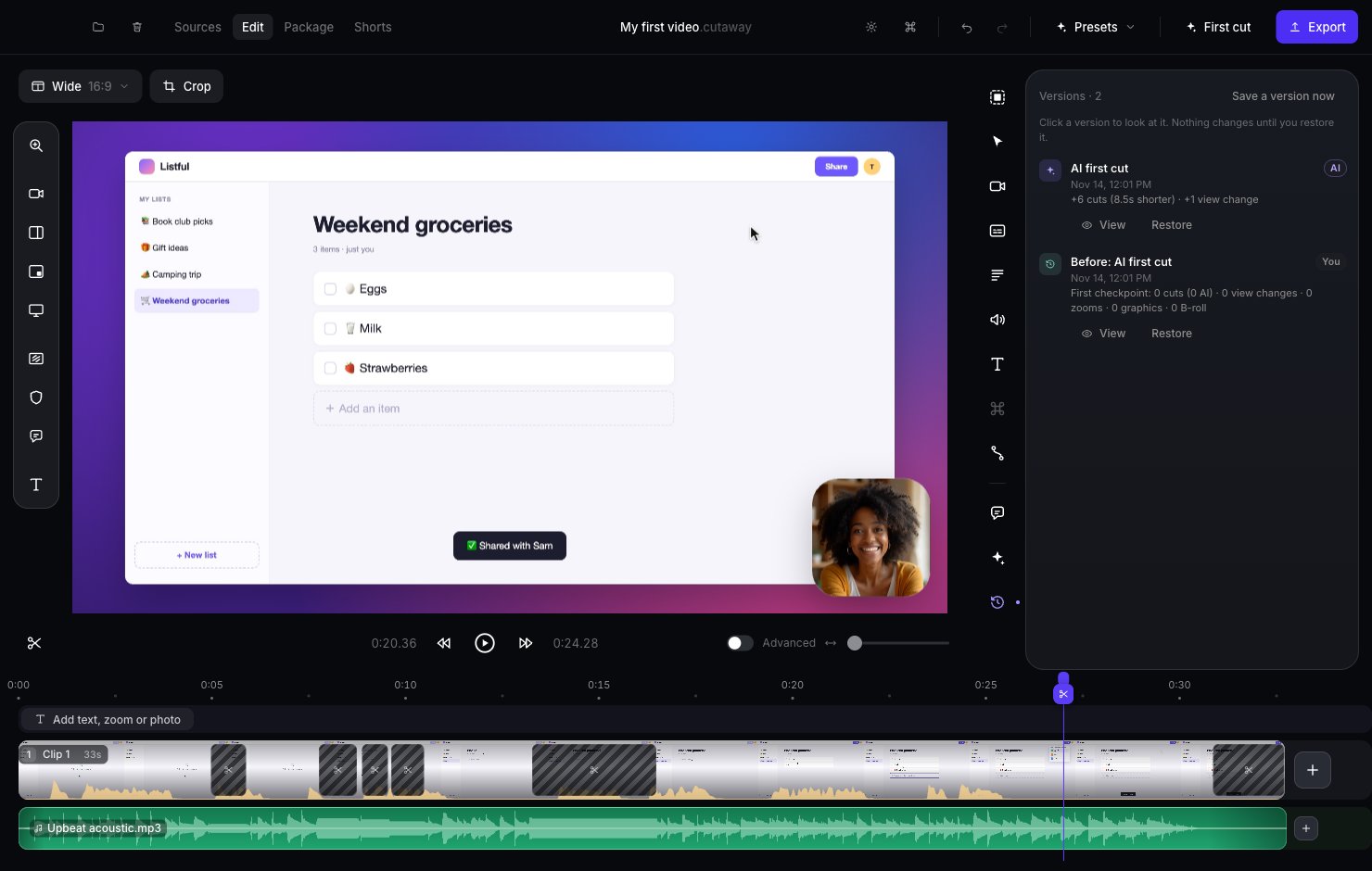
- View: look at that version. You can’t change it while you look. Press Back to latest when you’re done.
- Restore: make that version your current video again. Your current video is saved as a version first, so nothing is lost.
- Save a version now: take a snapshot before you try something big.